
.md files and text
Share a README, meeting notes or a how-to right away.
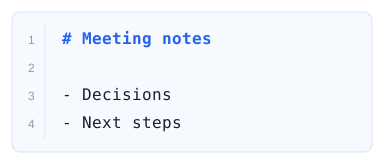 See how to share

No sign-up.

No sign-up · 3 steps
Choose your Markdown.
Works with .md files, ZIPs with images and pasted text
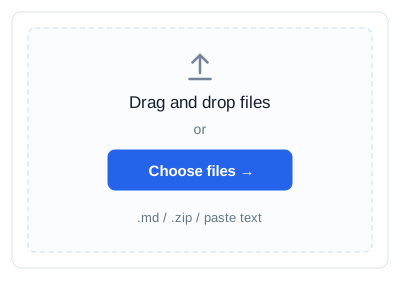
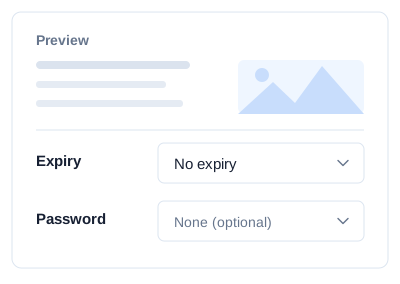
Check the preview, expiry and password
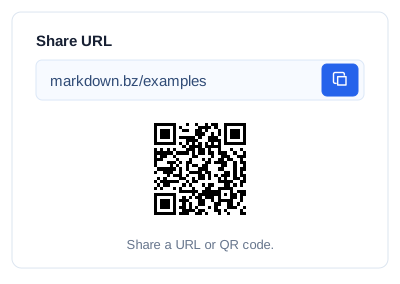
Send a short URL or QR code to your readers
In the same browser,
Your readers need no special viewer,
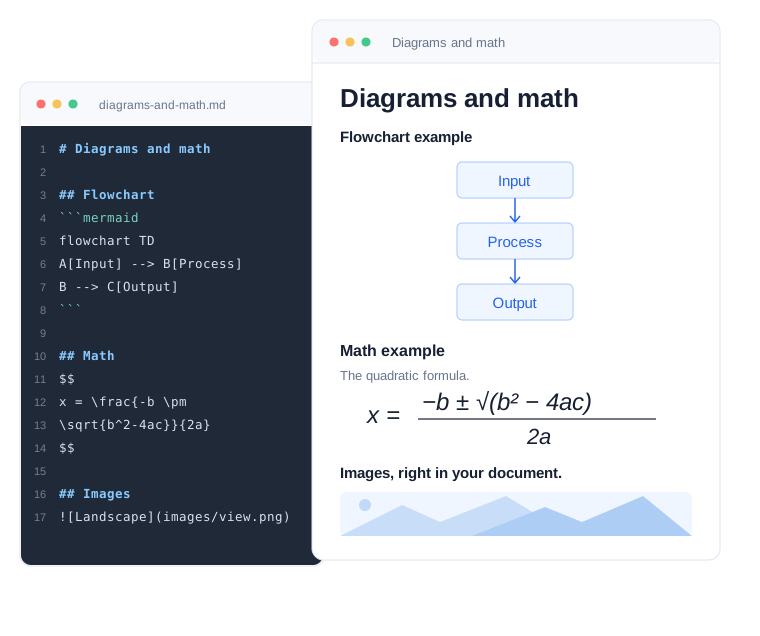
Flowcharts in ```mermaid blocks and $…$ math are shown as real diagrams and formulas. Great for tech notes and how-to guides.
Each share URL points to its raw Markdown, so an AI tool given the URL can get to the original document easily.
Short URLs are easy to paste into chats and emails. QR codes work well in person, on paper and on slides.
Require a password before viewing. It protects the images and downloads as well as the text.
From a single note to documents with images
Share a README, meeting notes or a how-to right away.
See how to shareBundle it with its image folder and keep the relative paths.
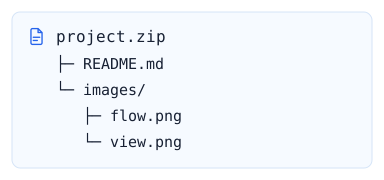 See how to share a ZIP
Send Markdown text and get a share URL back. The raw Markdown can be fetched too.
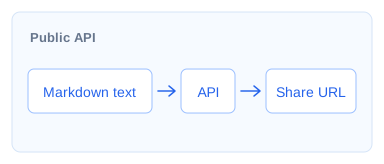 See how to use the API
Shares have no expiry by default, and you can set an expiry or a password when needed. No expiry does not guarantee permanent storage. It is not suited to sharing personal or confidential information, long-term storage, or large files.